
The design problem
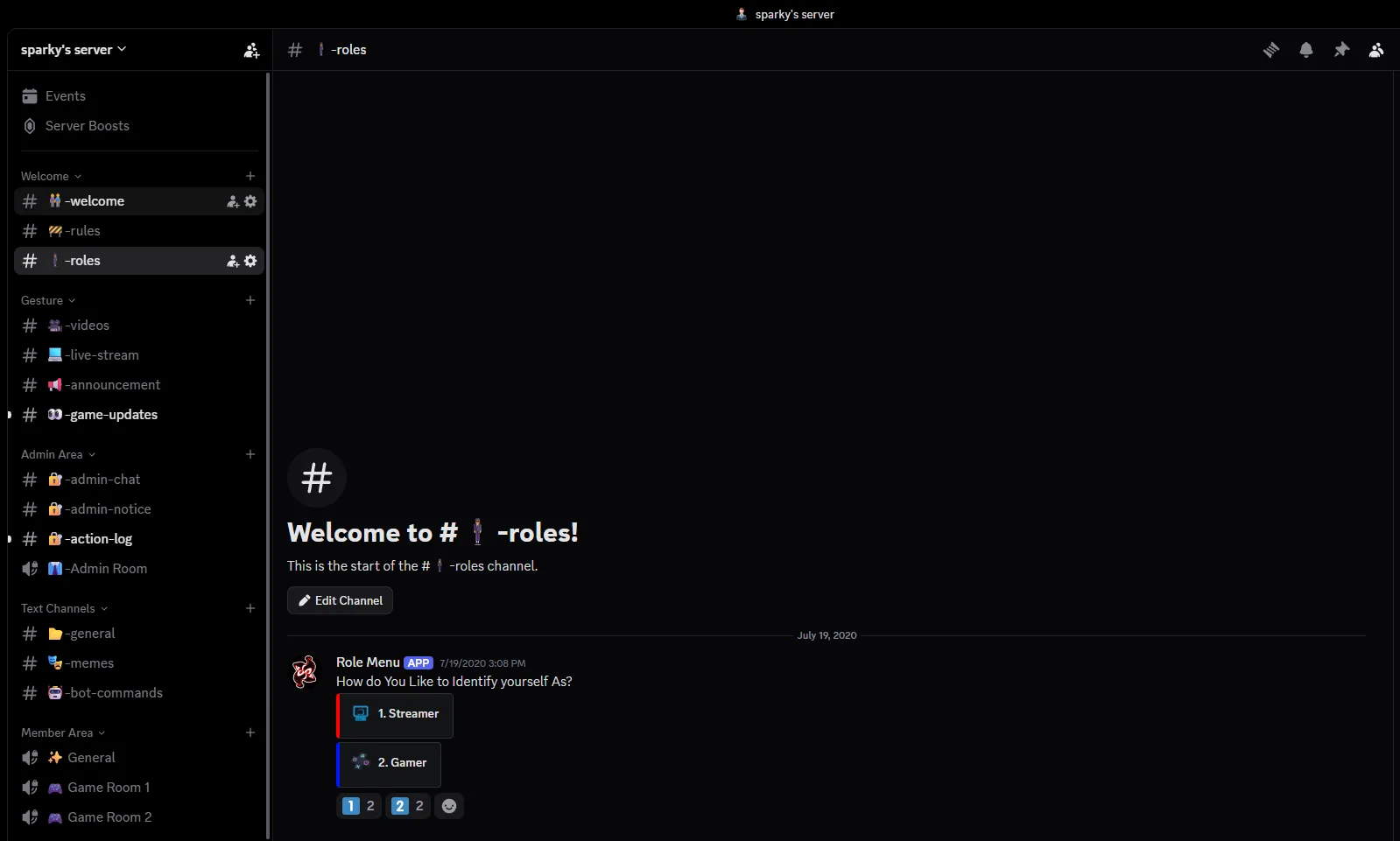
A useful Discord server needs more than channels. Members need to understand where to start, what they can access, where content lives, and how staff/admin workflows stay separated from public areas.
Architecture
Welcome & rulesSelf-rolesAnnouncementsContent channelsBot commandsVoice roomsAdmin areaAction logsMember spaces
The screenshot shown is a personal server used as a portfolio-safe architecture example instead of exposing private client communities.
Live community
The live invite is available so visitors can inspect the public-facing structure directly. Private/admin areas remain permission-controlled.
What can be built for clients
- Channel/category architecture
- Roles and permission hierarchy
- Onboarding and verification
- Ticket/support flows
- Bot configuration and utility channels
- Gaming, creator or roleplay community structures